Introduction
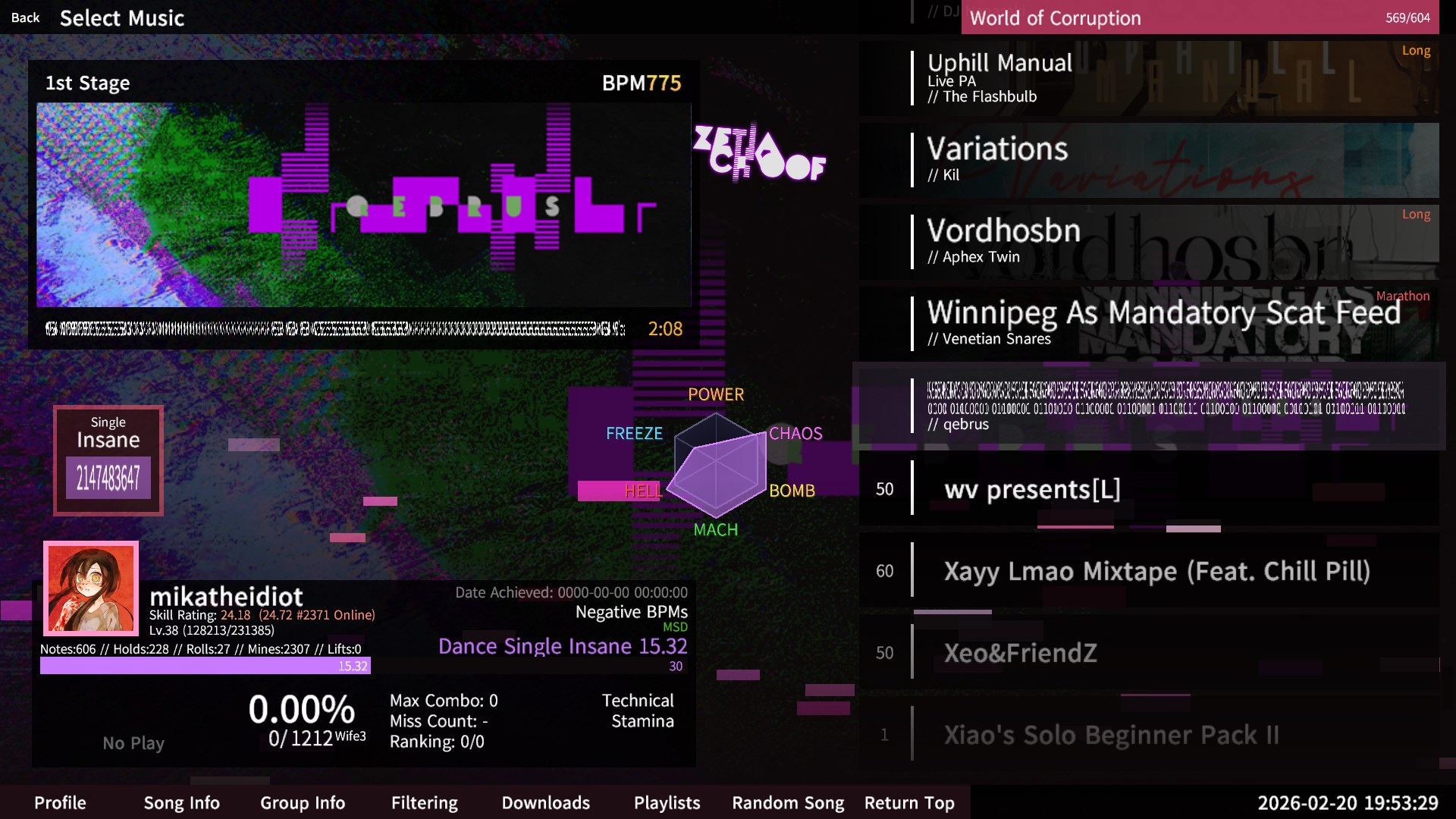
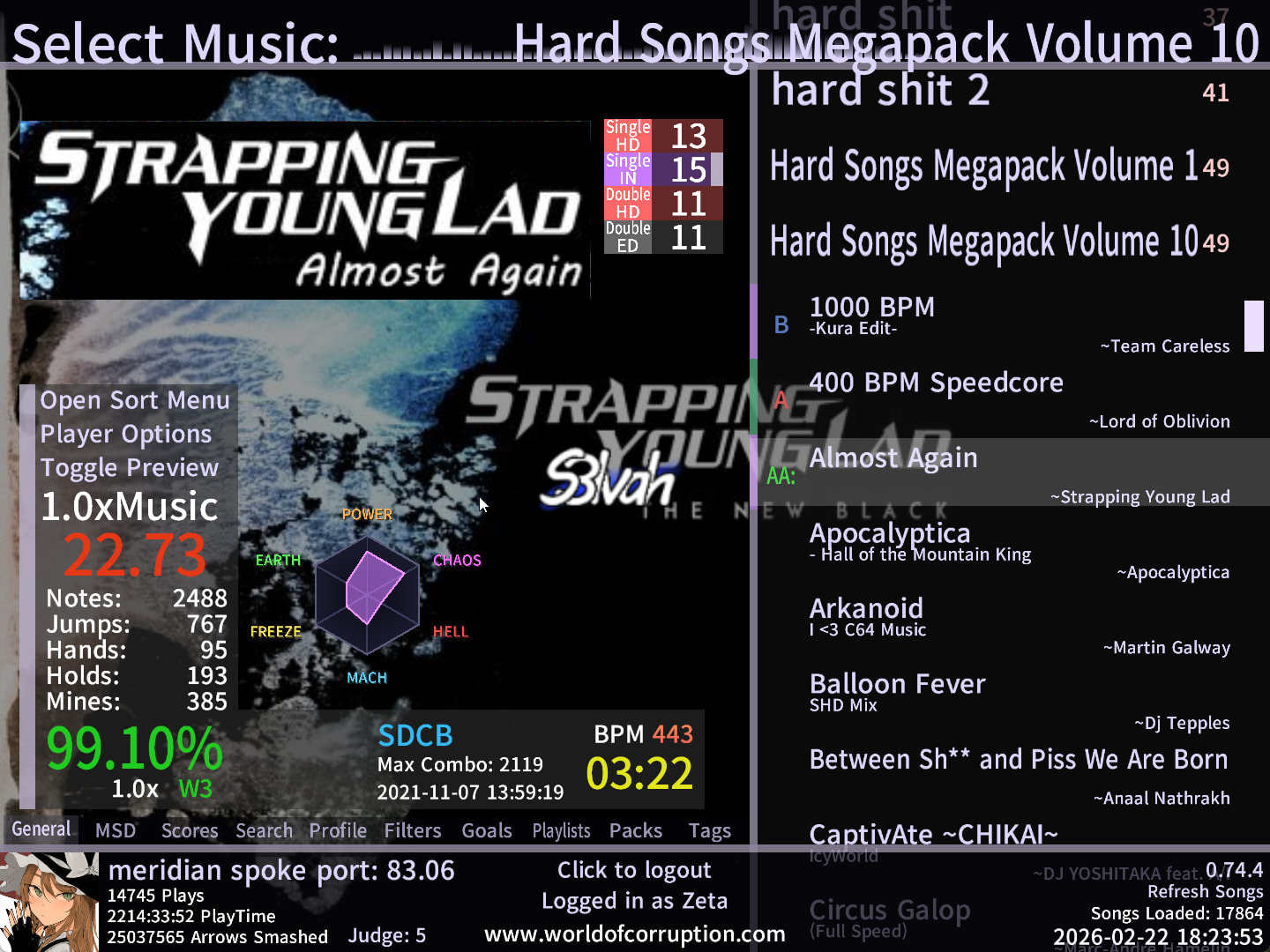
Gimmick Radar is an Etterna addon that displays a hexagonal radar visualization on the songwheel, giving you a quick visual breakdown of specific chart characteristics. Inspired by IIDX’s radar system, it shows six categories that help you understand what you’re getting into before you play. These categories aren’t your typical skillsets, though. They cover an array of gimmick-types that aren’t found anywhere on the songwheel that some players might have been previously unaware of.
This also works for Rebirth, you can mess around with it and change the position. There are tweaks at the top of the file, make it your own.
Ideally, you should be able to know what a chart is like just by using this radar.
How To Install
- Create a backup of your existing files before making any changes.
- Navigate to
Etterna/Themes/Til Death/BGAnimations/ScreenSelectMusic decorations/. - Download radar.lua and place it in the folder.
- Open
default.luain the same folder. - Add the following line with the other
LoadActorcalls:
t[#t + 1] = LoadActor("radar")
- Open
wifeTwirl.luain the same folder. - Comment out (or delete) lines
448-450,468-470,488-490. This is so the top three skillsets don’t get in the way of the radar. You could also move them out of the way on your own if you’d like. - Save and restart Etterna.
What Each Category Represents
- POWER: Stamina; not really that gimmicky, but worth including for balance.
- CHAOS: Spikes; factors in unorthodox skillsets like jackspeed and technical. Basically, jachnical.
- EARTH: Density; factors in dense skillsets.
- MACH: XMOD; finds warps, speeds, scrolls, and stops.
- HELL: Gimmick notetypes; mines, rolls, fakes, lifts.
- FREEZE: Difficulty of holds, not amount of holds; notes during holds increase this value.
The radar blob color matches your selected difficulty. Values exceed 1.0 for extreme cases and cap at 2.5x.
Hover over the radar to view breakdown.
Addendum
I felt like there was a bit of need for something like this considering the fact that charters have been getting a little more comfortable with their use of gimmicks lately. If you value knowing what gimmicks you might find in a chart more than you value what basic skillsets you’d find, I would recommend slapping this in your game.
If you run into trouble or have any questions, feel free to reach out.
Discord: @sphereofnoform